

Social Cards
Generate Open Graph images automatically for every page.
Enable
social_cards:
  enabled: true
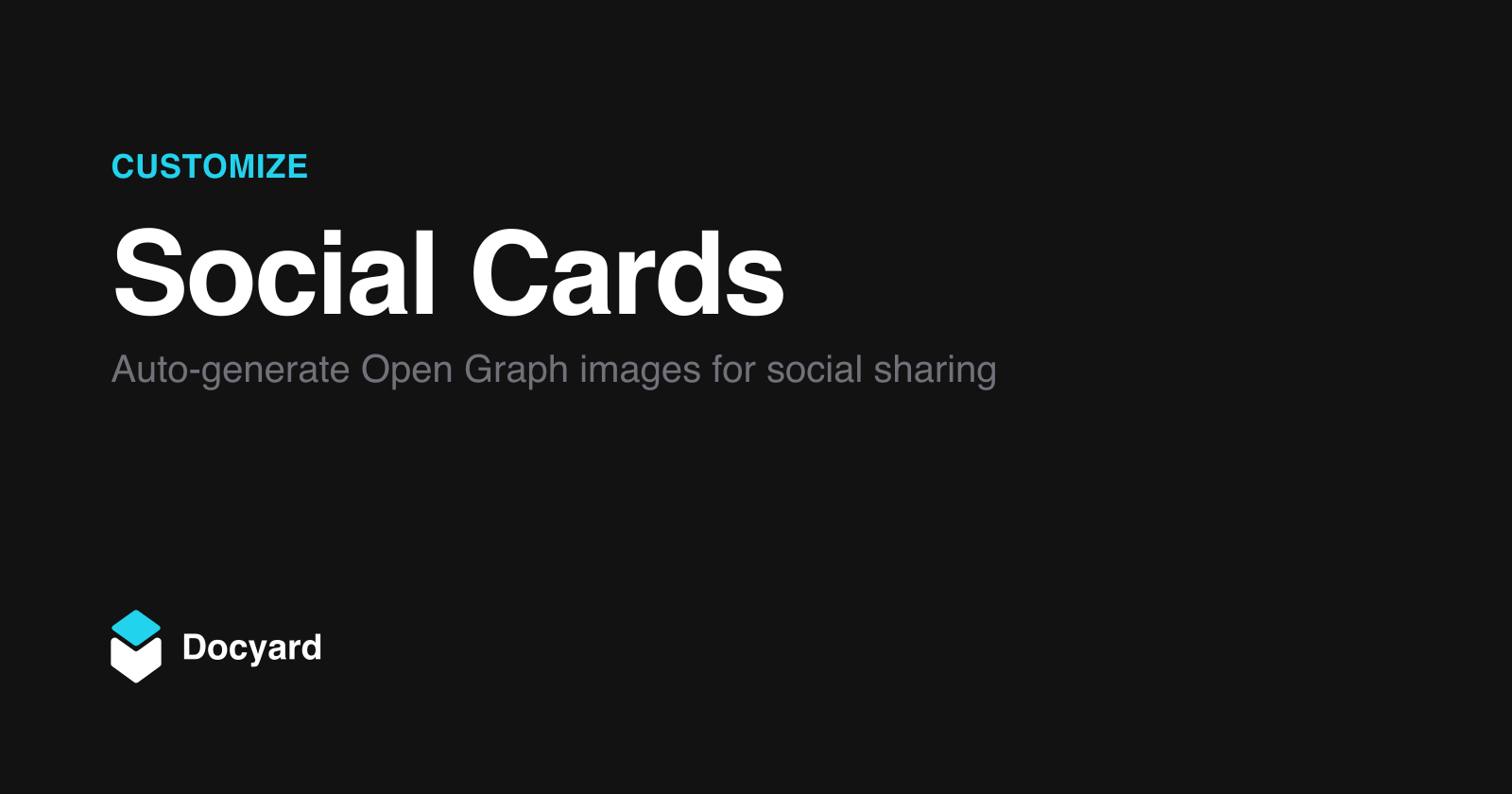
When enabled, Docyard generates a 1200x630 PNG for each page during build. The og:image meta tag is set automatically.
Enabling social cards requires libvips on your system. Install with brew install vips (macOS) or apt install libvips-dev (Linux). Without it, the build will fail with installation instructions.
Cards use your brand color and logo.
Output
Cards are generated to dist/_docyard/og/:
-
dist
-
_docyard
-
og
- index.png
-
getting-started
- quickstart.png
-
og
-
_docyard
Per-Page Override
Customize card content for specific pages:
---
social_cards:
  title: Auth Made Simple
  description: Secure your app in minutes
---
Text is truncated to fit: ~22 characters for titles, ~70 for descriptions.
These only affect the card image, not SEO metadata.
CI/CD
If social cards are enabled, your CI environment needs libvips.
GitHub Actions - add libvips installation step. See GitHub Pages for a complete workflow example.
Vercel and Netlify include libvips by default. No additional setup needed.
Reference
| Option | Type | Default | Description |
|---|---|---|---|
enabled |
boolean |
false |
Generate OG images |
Frontmatter
| Option | Type | Description |
|---|---|---|
social_cards.title |
string |
Override card title |
social_cards.description |
string |
Override card description |
Was this page helpful?
Thanks for your feedback!